

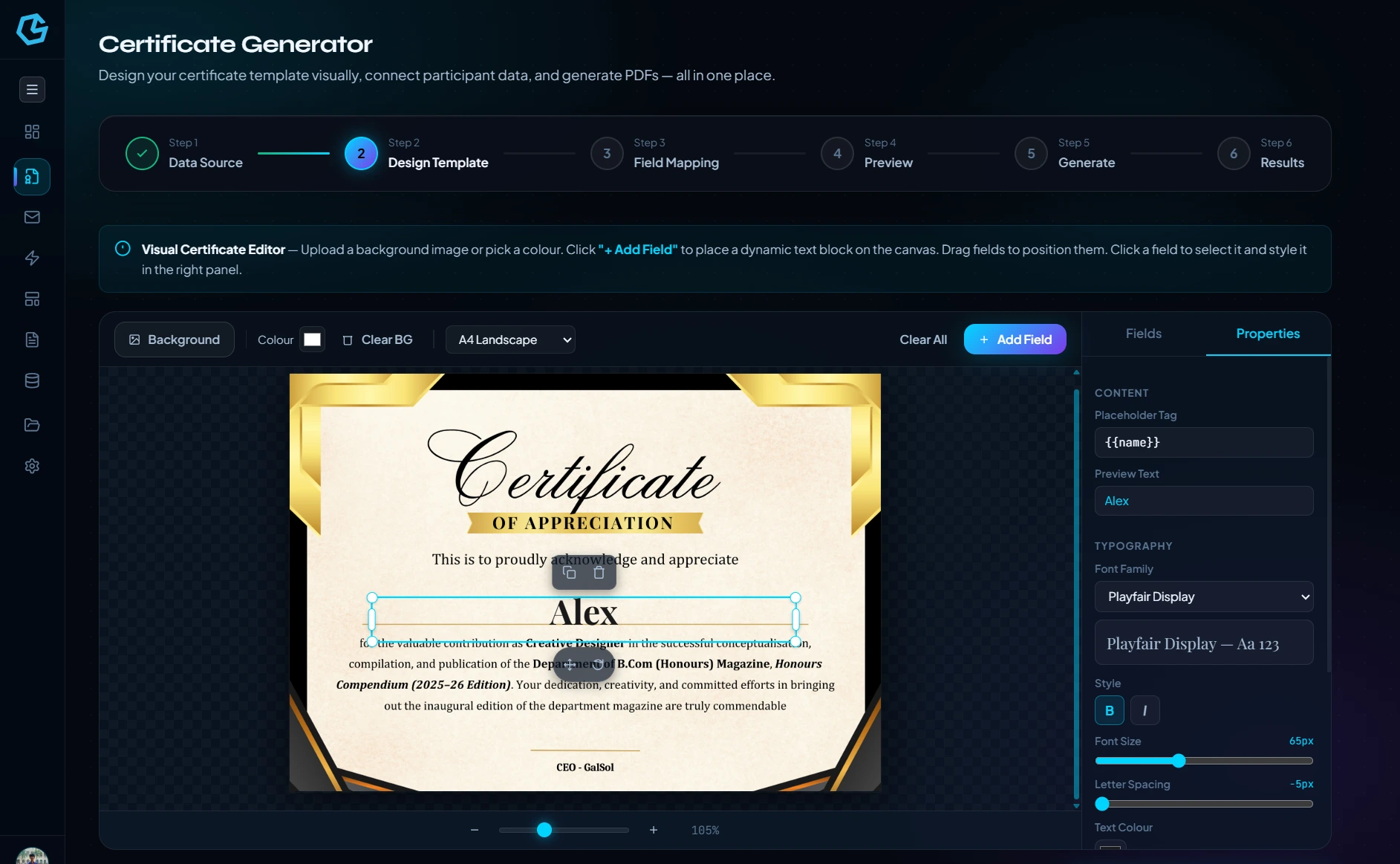
Visual certificate canvas
Place certificate fields directly on the design surface.
Bulk Certificate combines a visual certificate editor with participant data mapping so you can create a branded certificate once and generate personalised output for every recipient.
Start from Sheets, files, manual entry or GS Form responses, place fields visually, map them to participant columns, preview and generate the final files.
Built for completion certificates, achievement awards, recognition letters and other workflows where every recipient needs polished personalised output.
Place certificate fields directly on the design surface.
Use background images or colours as the certificate base.
Drag, position and style text fields visually.
Start from saved or template-based certificate designs.
Connect fields to participant columns.
Generate the final certificate PDFs, saved straight to your Drive.
The interface is organised around the actual sequence of work, keeping data, configuration, review and final output together.
The workflow keeps participant data separate from the visual certificate design so the same layout can be reused across a roster.

The editor uses a canvas with background controls, draggable fields, font styling, zoom and template starting points.
The guided workflow separates configuration from preview and generation before the result files are made available.
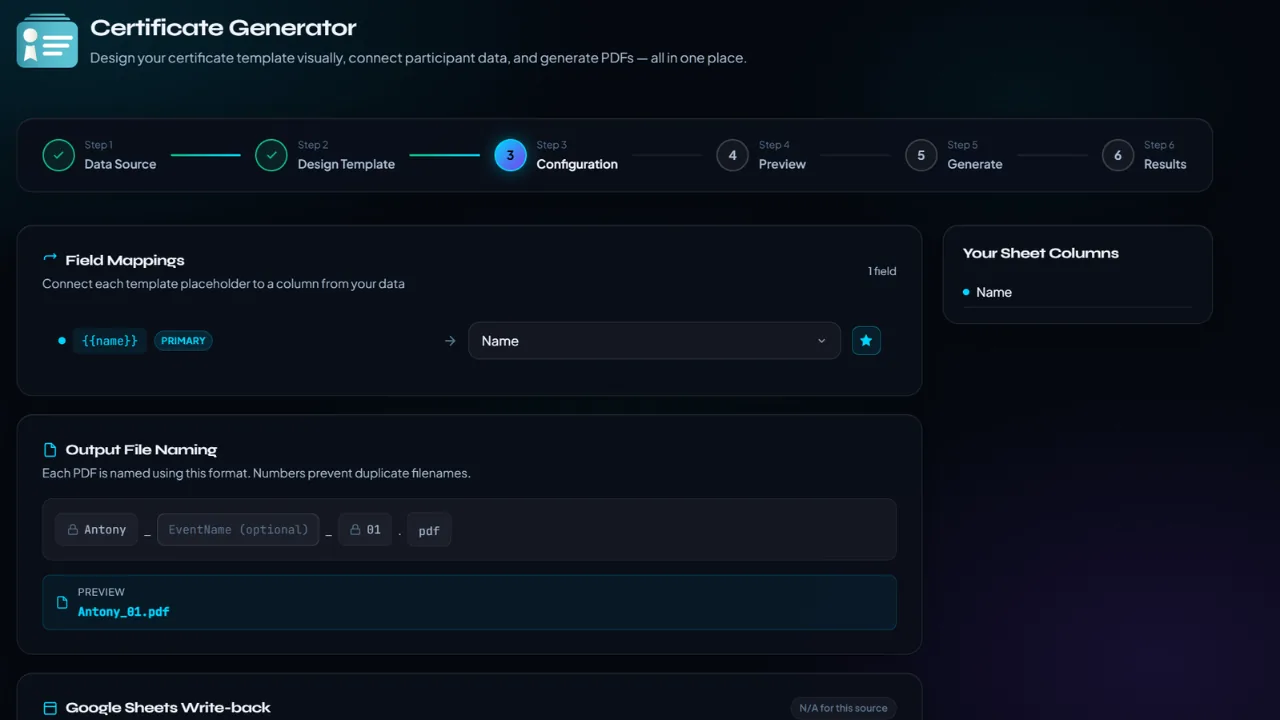
Start from Sheets, files, manual entry or GS Form responses, place fields visually, map them to participant columns, preview and generate the final files.