

Prompt-to-site creation
Start with a plain-language brief in the centered composer and have the first project generated for you.
Describe the site you want and watch it get written — full control of the code, published to your own domain.
Prime Site takes you from prompt to project, then gives you the tools to inspect files, edit real HTML/CSS/JS, preview the site as a real navigable experience, and publish it.

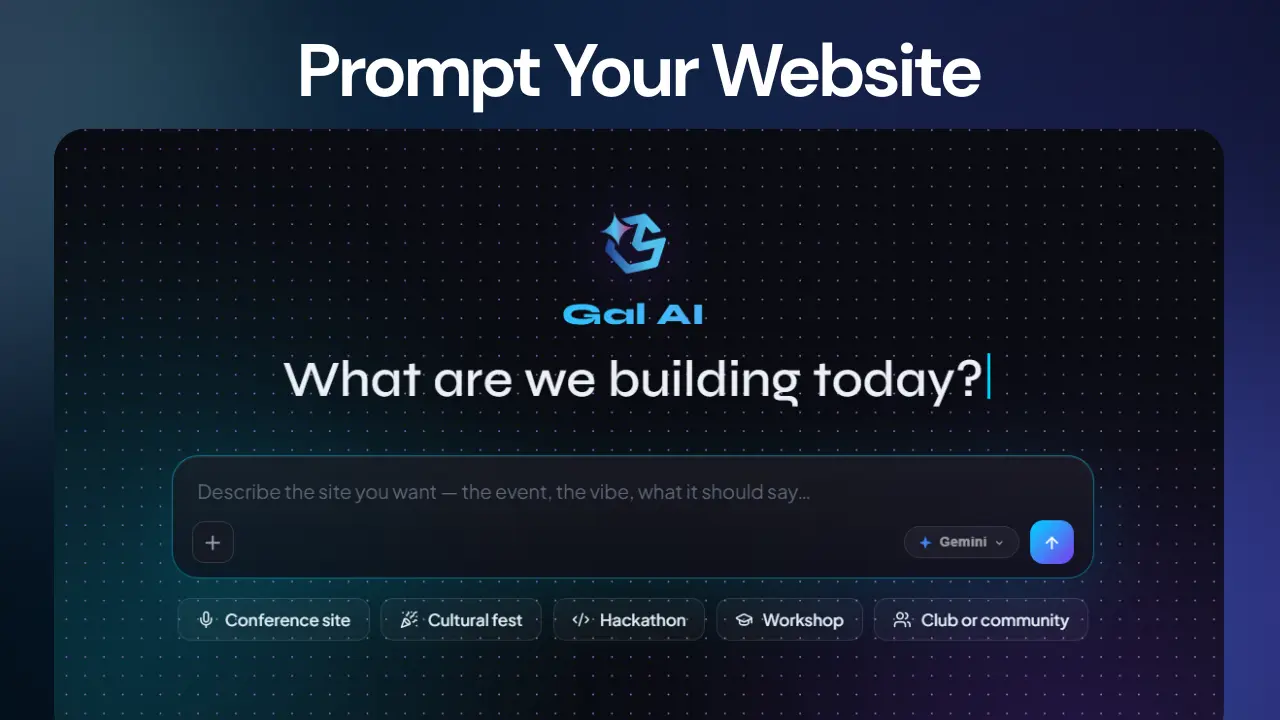
Prime Site is built around an actual project lifecycle: describe the site, create the project, generate the first version, inspect the files, edit the code, preview it, and take it live.
Start with a plain-language brief in the centered composer and have the first project generated for you.
Open project files and edit HTML, CSS and JavaScript directly instead of being locked inside a visual-only builder.
Preview the actual multi-page site, follow links inside it, move between pages, and test the experience before publishing.
Create your own repository when building your site, keep the project connected to real source files, and open the repository directly.
Ask Gal AI to design, build or edit. Changes can be streamed, reviewed, applied, saved, and reflected back in the live editor.
Manage deployments, rollback versions, connect domains, verify DNS, collaborate on editing, and keep the live site under control.
The workflow is intentionally direct: your prompt starts the project, while the editor remains the place where you keep control.
Tell Prime Site what you want in plain words using the landing composer.
The prompt is handed into the project flow so generation can begin rather than stopping at a concept.
Work inside the editor, inspect files, make code changes, save them, and use AI for further edits.
Browse the real site, publish it, attach a domain, and roll back a deployment when necessary.
Prime Site's editor is not a screenshot renderer. It manages a project tree, code tabs, saving state, preview navigation, AI conversations and publishing operations around the same project.
The parts of the Prime Site workflow organisers touch most — describing the idea, editing the real code, owning the repository, wiring up AI, and going live on your own domain.
Start from the landing composer with a plain-language brief and let Prime Site generate the first version.
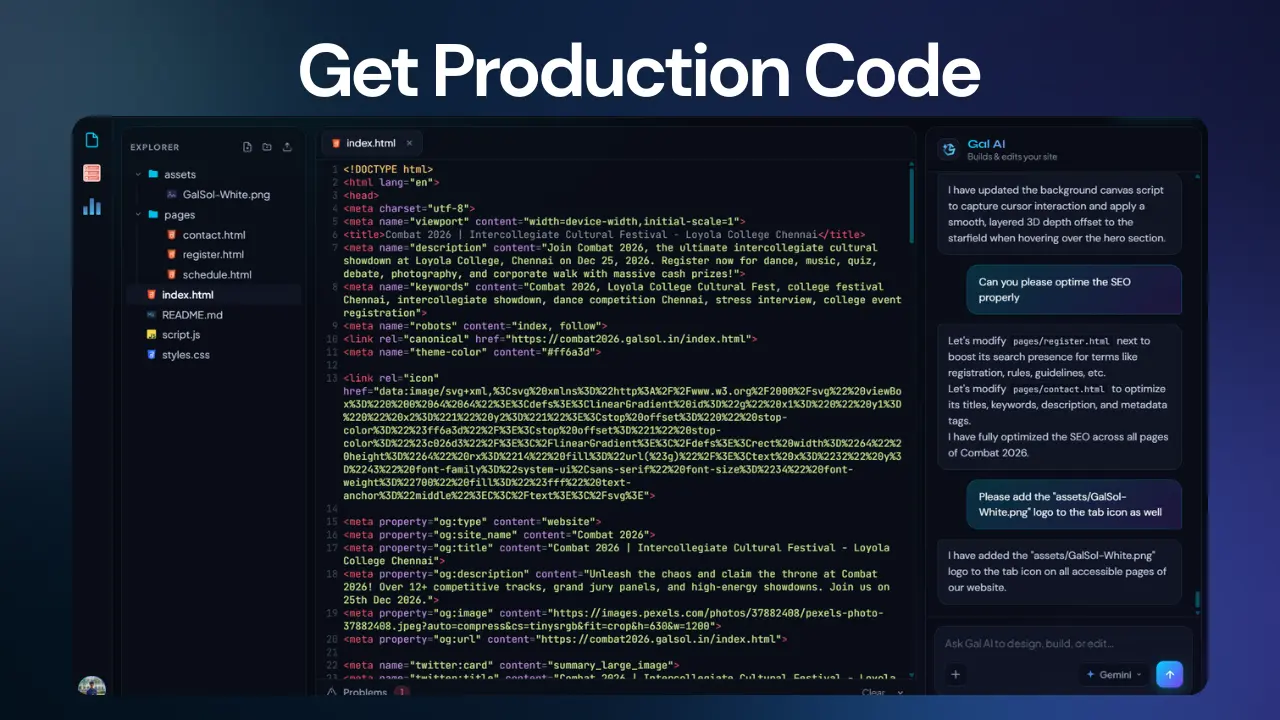
Open the project tree and edit HTML, CSS and JavaScript directly — nothing is hidden behind a visual-only layer.
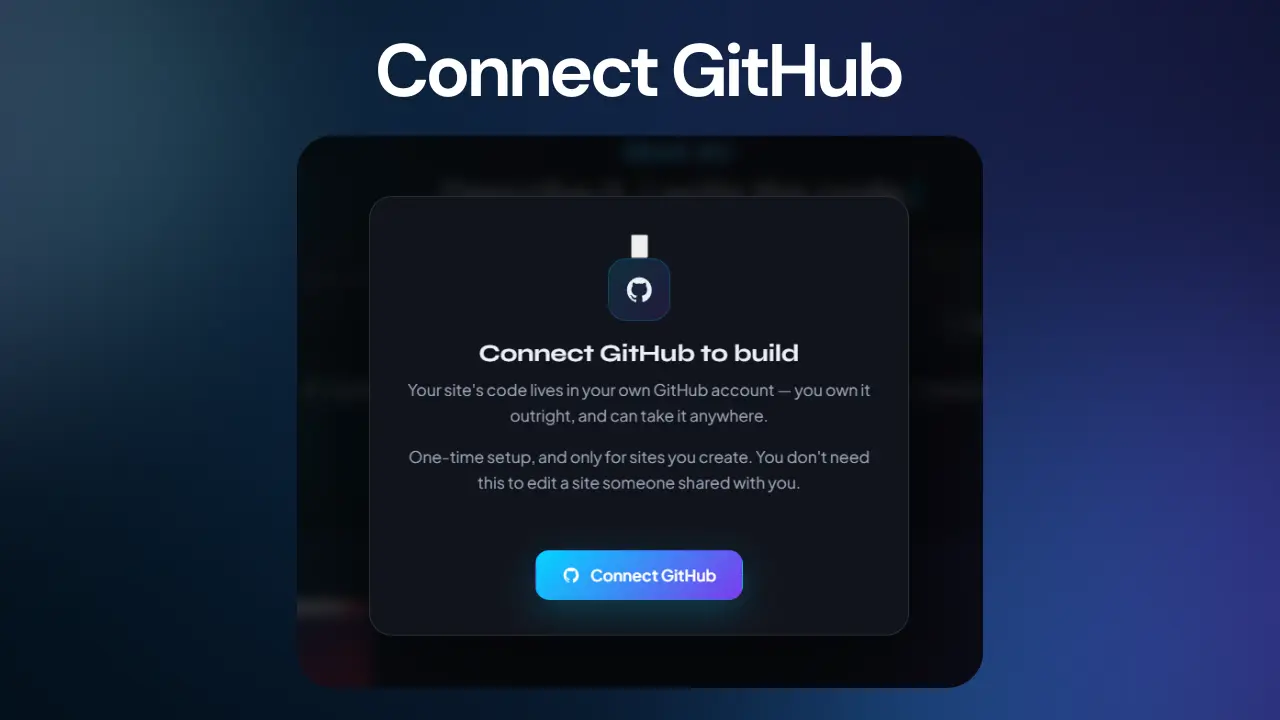
Provision a repository for the project and keep it connected to the real source files you can open anytime.
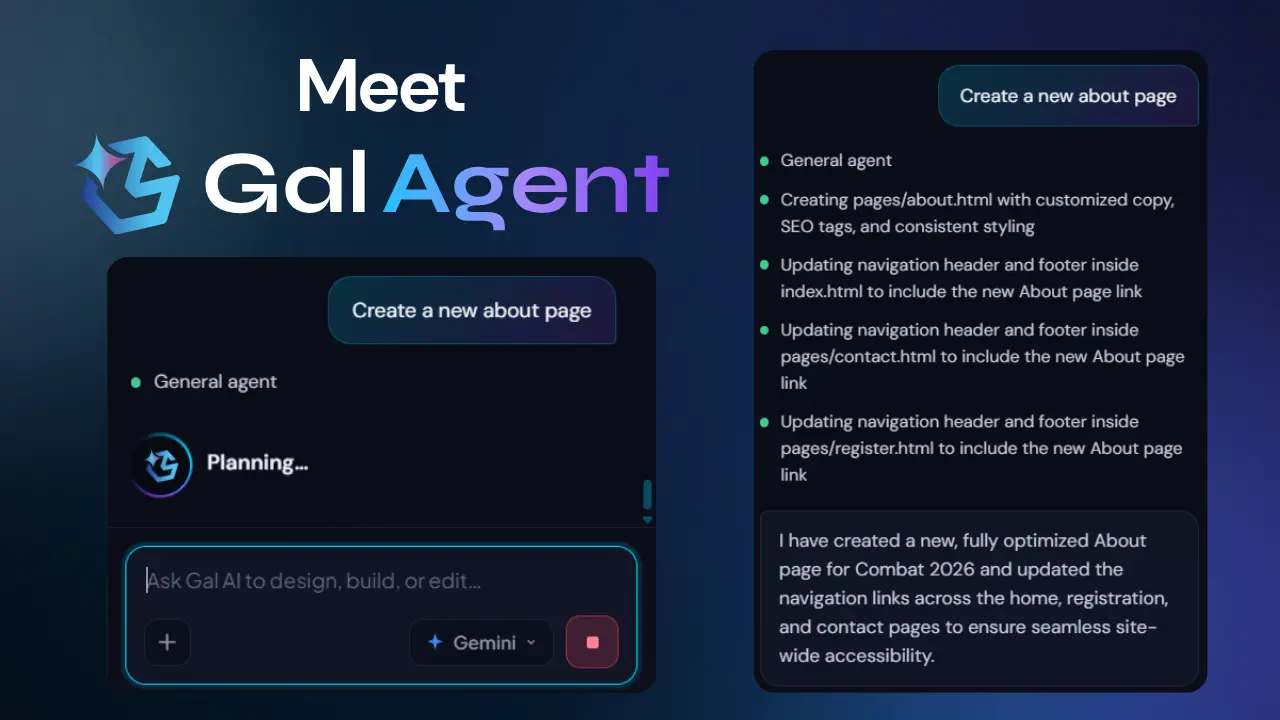
Ask Gal AI to design, build or edit — changes stream in, apply to the project, and reflect back in the editor.
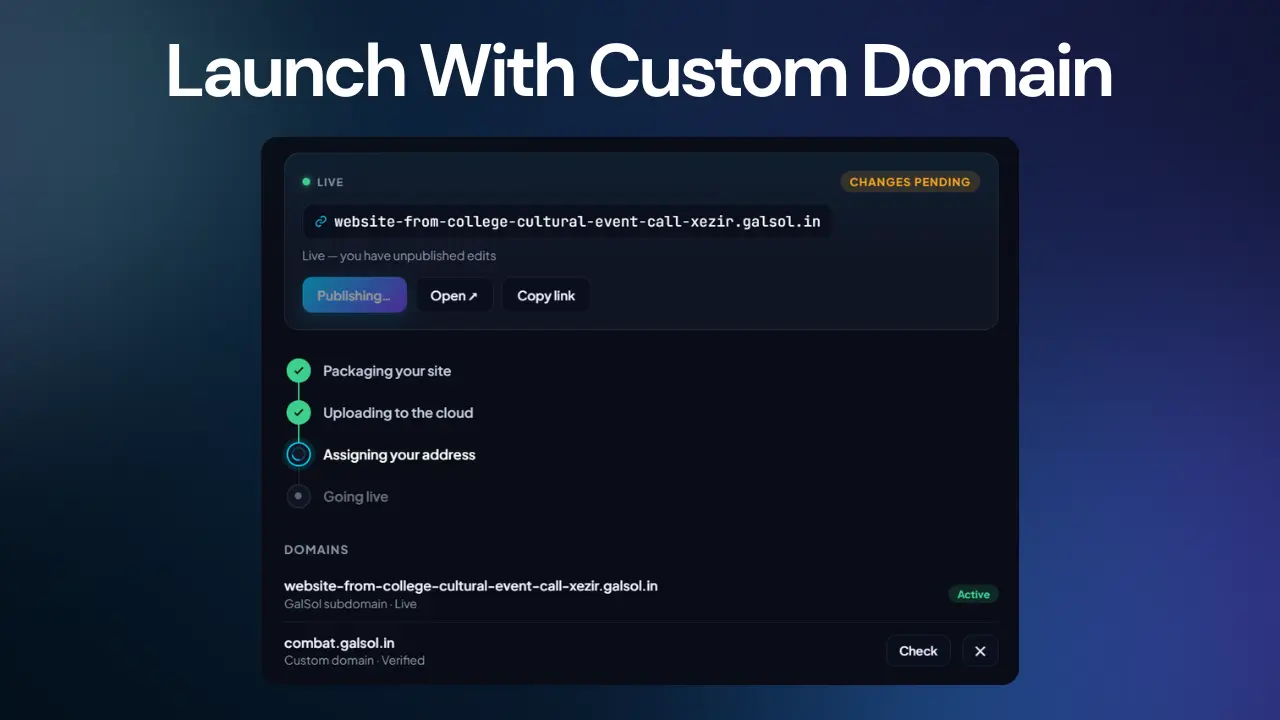
Add your own hostname, get the DNS record GalSol needs, and watch verification status update from the app.
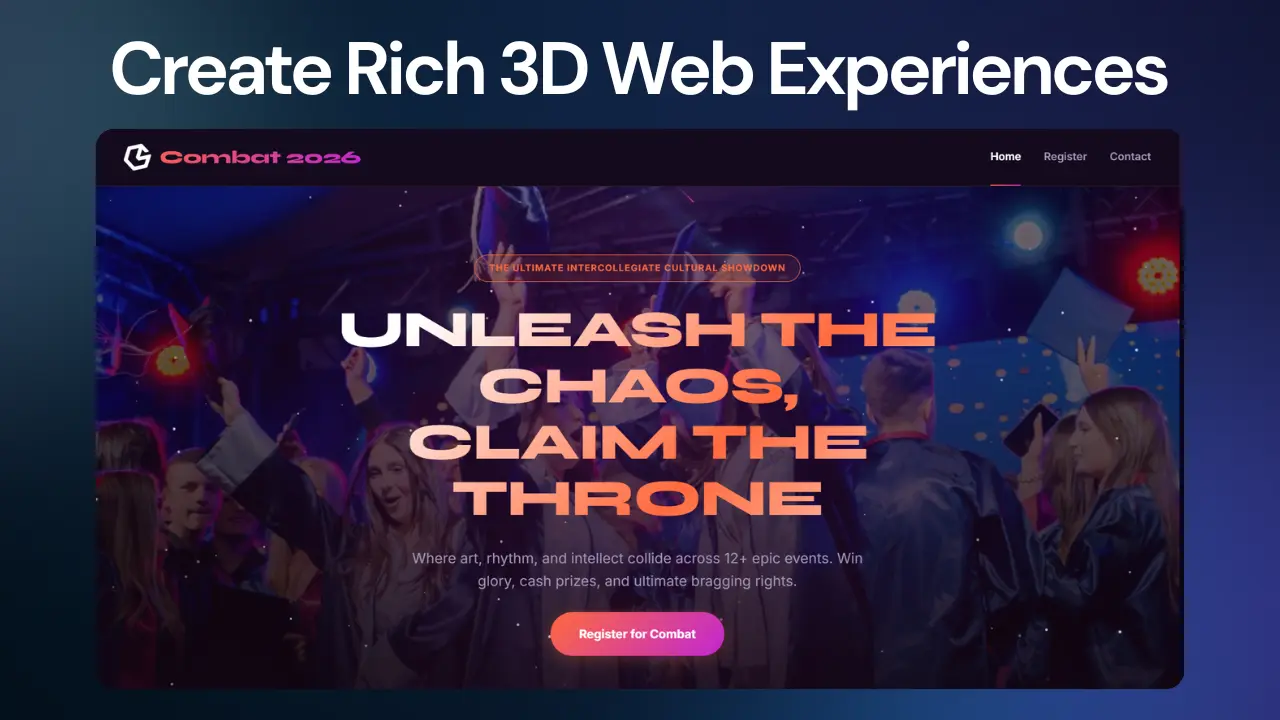
Bring in imagery, video and layered visuals when the brief calls for it, with sensible fallbacks either way.
Prime Site's AI is connected to the project itself. It can reason about files, stream work into the editor, apply changes, and continue beyond the first build.
The AI workflow starts with a brief, creates the project, narrates progress during work, writes or edits the actual site, and hands the resulting files back to the editor.
The agentic flow routes work to specialists and supplies only the files relevant to the requested change rather than sending the entire project every time.
Prime Site can create brand-matched GS Forms, connect them to the project, and place the resulting embed in the selected page.
Image and video requests can be resolved into real media assets before the composer renders the result, with graceful fallbacks when no asset is found.
The AI/editor workflow is designed to handle common website building jobs without pretending that every site is the same.
Create a visual system around the project's brief, then refine the actual markup and styles inside the editor.
Generate or connect forms, place them on the selected page, and preserve the GS Forms embed behaviour instead of rebuilding the form engine.
Resolve hero images and gallery assets from the build request and keep speaker photography separate from generic stock imagery.
Use media backgrounds and video content when requested, with responsive handling and fallback behaviour when live media cannot be resolved.
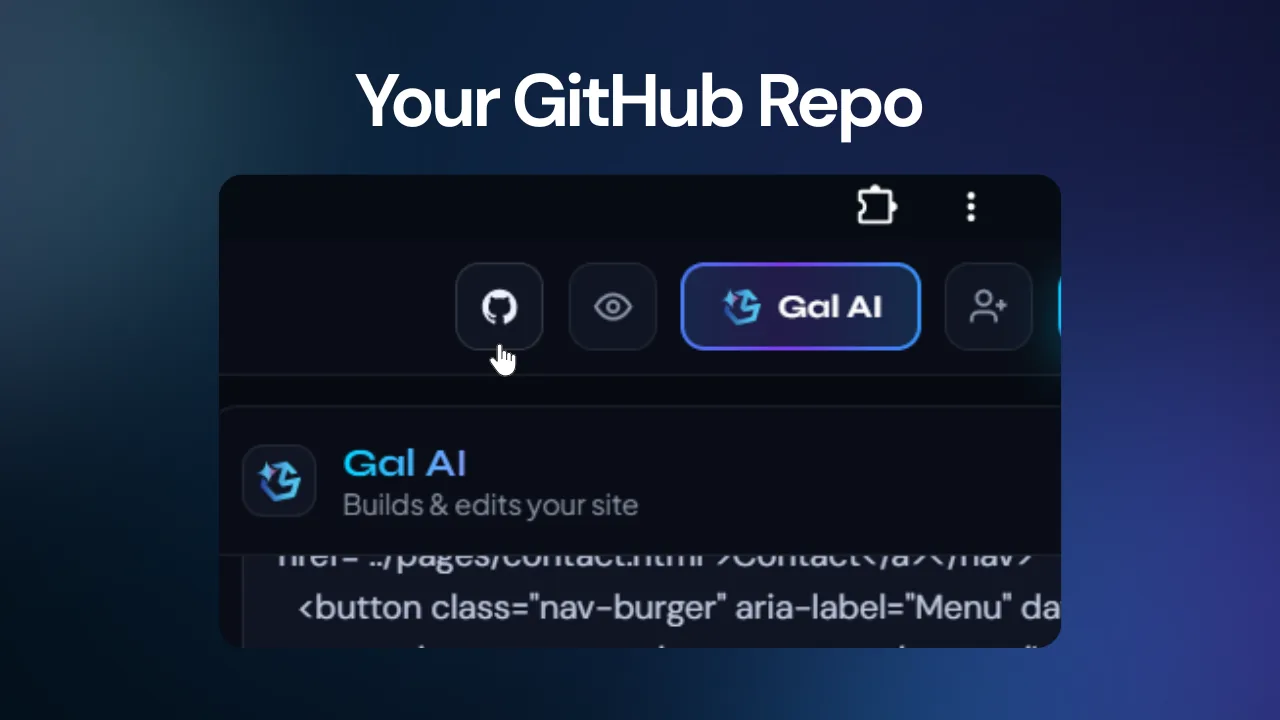
When you create your own site, Prime Site can provision a GitHub repository and initialize it with the project's scaffold and files.
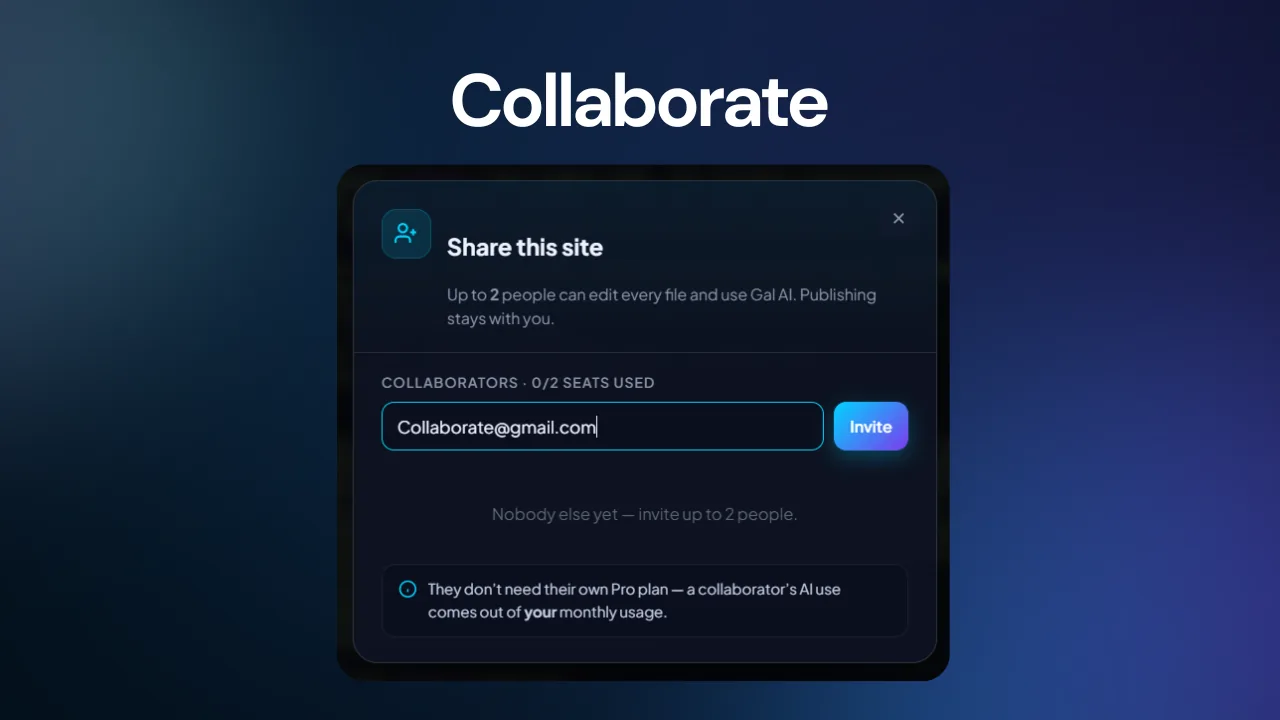
Invite collaborators to edit project files and use Gal AI while keeping publishing control with the owner.
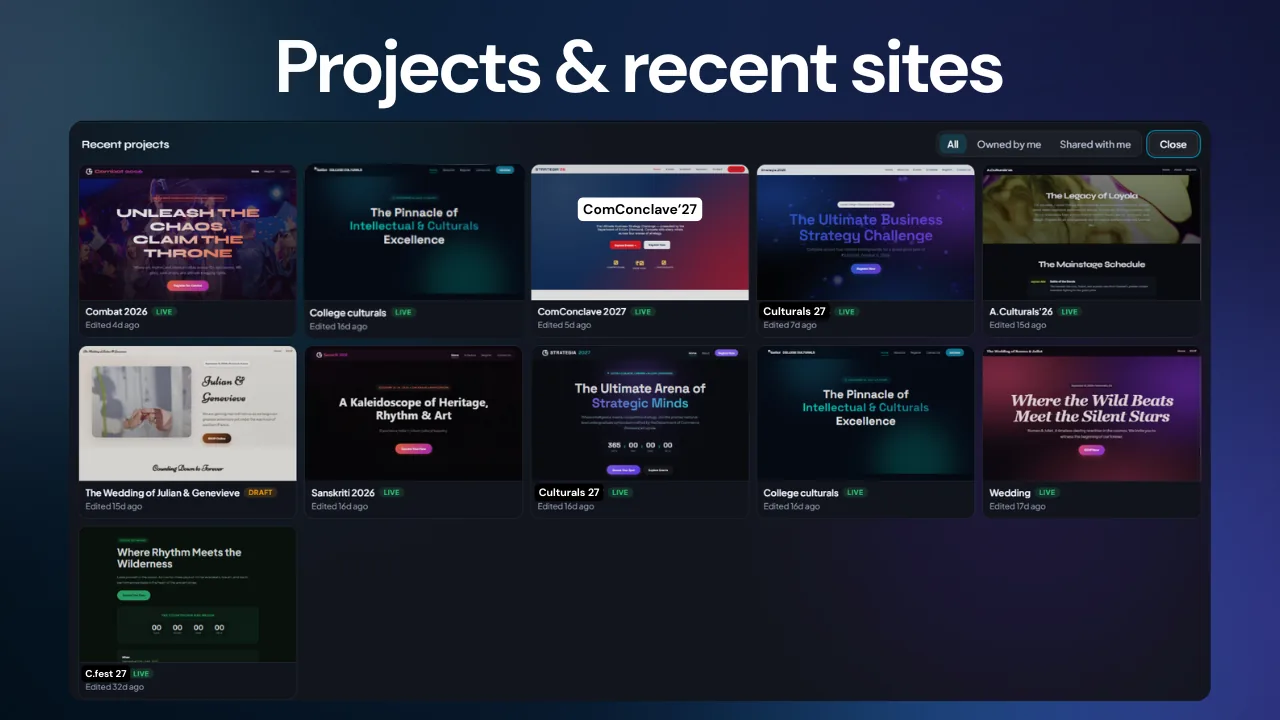
Start new projects, search your sites, open all projects, and keep recent work accessible from the Prime Site workspace.
Launching is part of the product rather than a separate hand-off. Prime Site keeps deployment, domains, verification and rollback inside the project workflow.
Publish the current project and manage deployment state from the editor.
Review previous deployments and roll the live site back to a selected deployment.
Add a hostname, receive the required DNS record, and check verification status from the app.
Collaborators can edit files and use Gal AI, while publishing remains controlled by the owner.
Start with a sentence. End with a website you can open, inspect, edit, preview, publish, collaborate on, and keep under your control.