
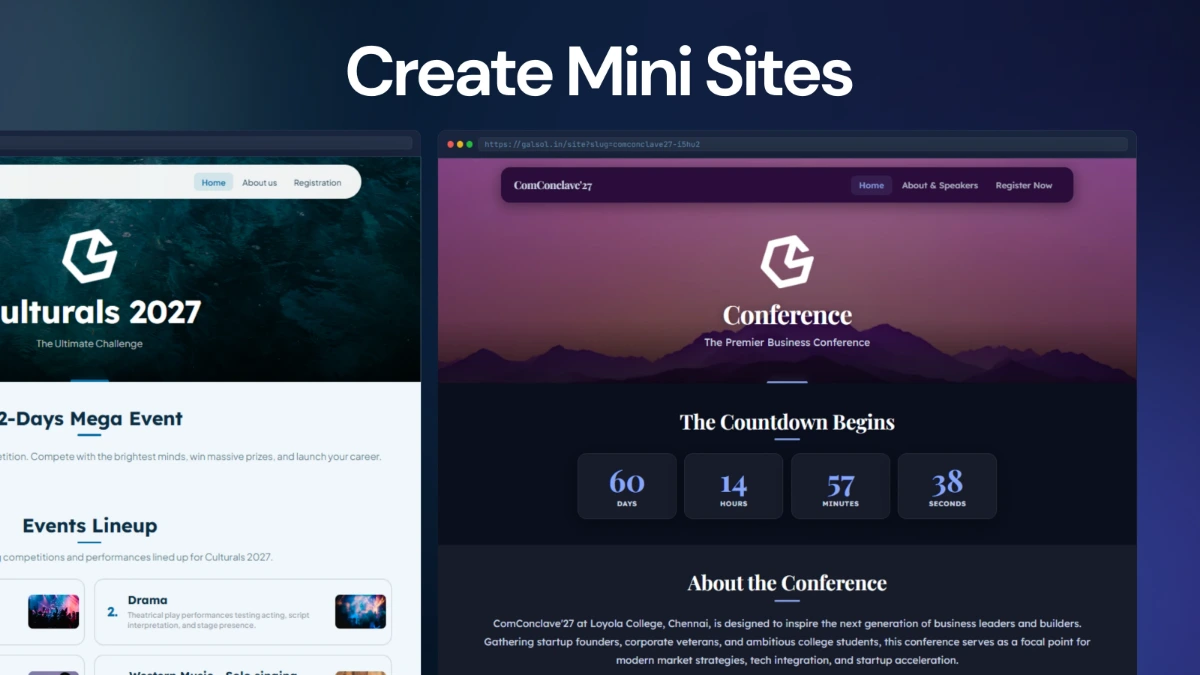
Event Mini-Site
A public event landing page generated from the event brief, with inner pages and registration linking when selected.
MINI-SITE01
Gal Studio is GalSol's all-in-one AI event creation orchestrator. Describe the event once, answer a focused set of questions, and Gal builds the event components you choose.
The interface is centred on an AI agent with a structured interview, live build progress, artifact cards, persistent history and a library of everything created for each event.
Gal Studio offers a selectable six-part tool catalogue. Dependencies are handled automatically: passes, confirmation mail and response dashboards are tied to the registration form workflow.
A public event landing page generated from the event brief, with inner pages and registration linking when selected.
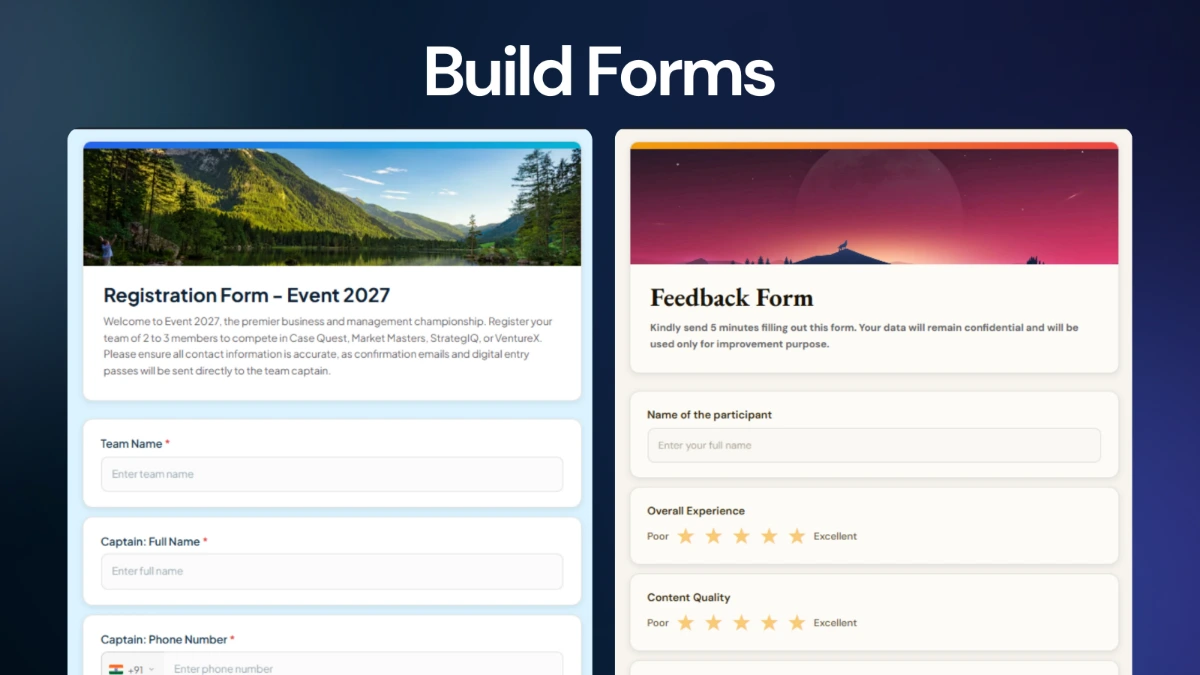
A GS Form configuration for collecting sign-ups online, with generated fields, settings and an event theme.
A pass configuration attached to the registration form, with a QR pass automatically issued for registrants.
A registration-linked confirmation email configured from the event, branding and form fields.
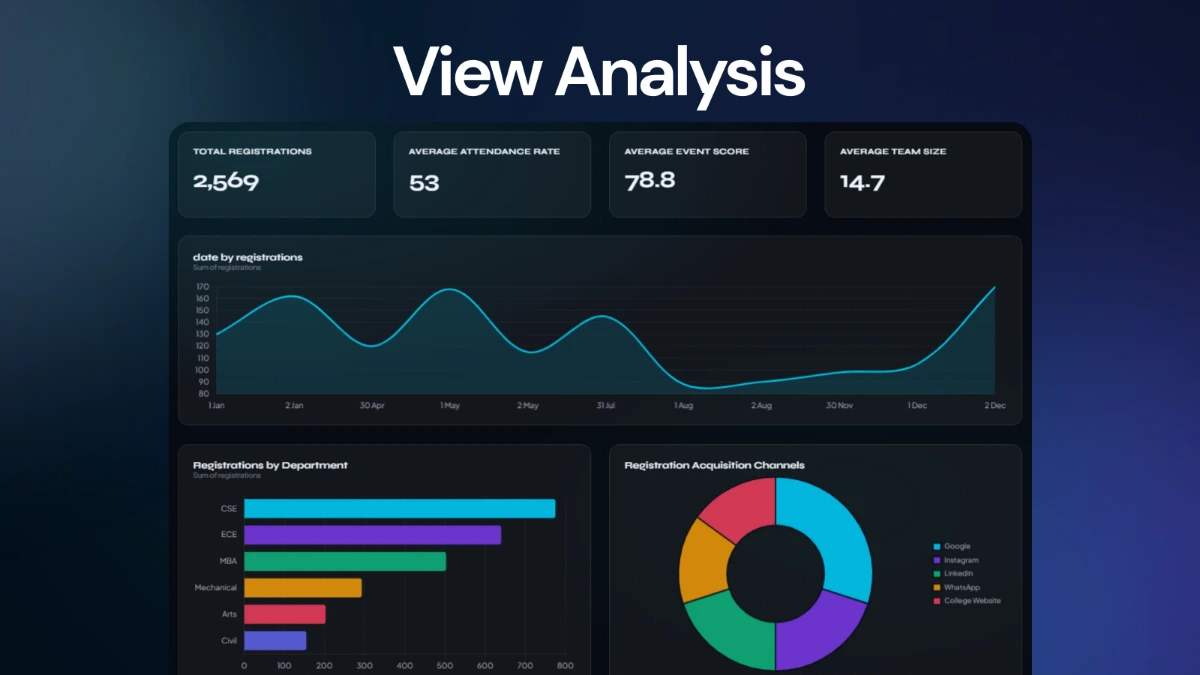
A live response dashboard layout generated for registration data.
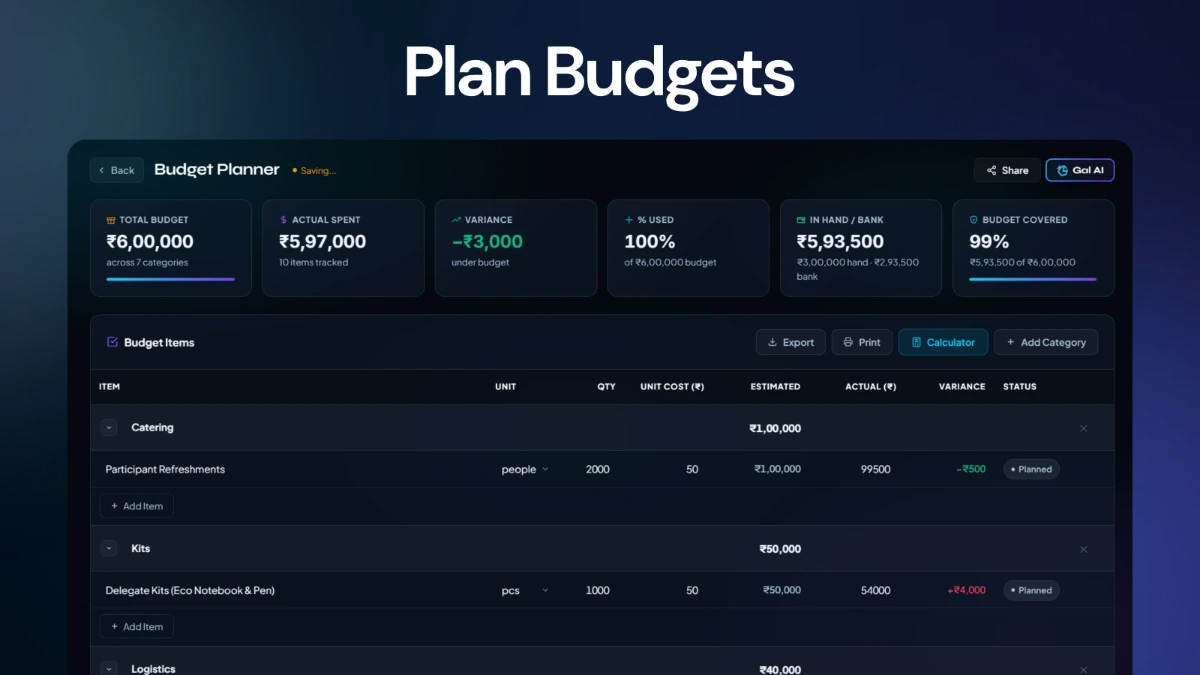
A starter budget created in Event Planner, including planned line items and an estimated total.
Gal does not treat the prompt as a one-shot generator. It runs a structured interview, keeps the answers, then executes a dependency-aware multi-agent build.
Gal Studio is GalSol's all-in-one AI event creation orchestrator. A conductor interview runs alongside the multi-agent build, powered by Gemini 3.5 Flash, with progress streamed live so you can watch each part of the event take shape as it's built.
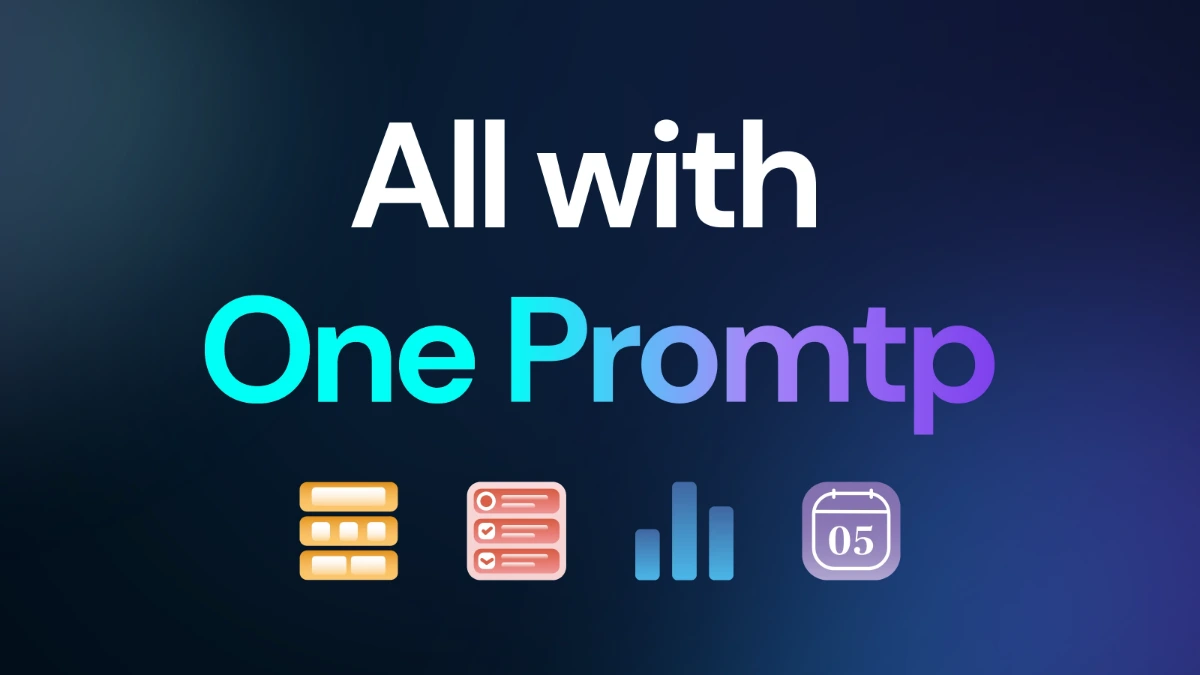
Gal presents a checkbox scope picker covering Event Mini-Site, Registration Form, Entry Pass, Confirmation Email, Response Dashboard and Budget Plan. The backend normalises the scope and automatically adds the registration form when passes, mail or dashboards depend on it.
For relevant scopes, Gal asks for branding inputs including logo, cover / hero image, colour theme and title + content font pairing. The implementation exposes preset palettes and curated heading/body font families, while also supporting custom branding answers.
The build streams agent state and artifact updates as each part finishes. Registration can create form fields and theming; the pass agent configures QR passes; the mail agent writes confirmation email configuration; the dashboard and mini-site are generated from the same event specification; the budget agent creates Event Planner data.
Sessions store messages and artifact cards. The History rail lets you reopen event sessions, while Library groups ready artifacts by event and exposes their labels, metadata and links.
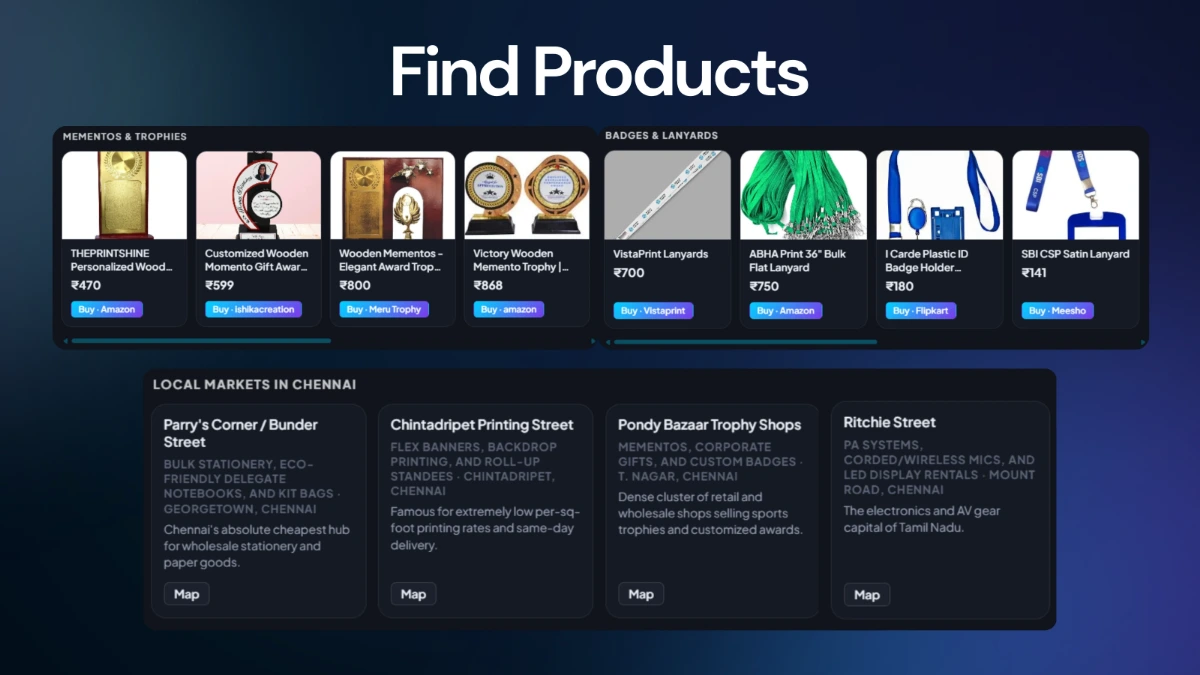
The budget flow creates an Event Planner event, stores budget line items and records stated cash-in-hand when supplied. It then builds a shopping catalogue and purchasing guide using the generated budget categories and local vendors.
The generated assets are not isolated mockups. Gal creates or configures records inside the existing event tools, then surfaces them back through the Studio interface as editable artifacts.
Gal can create the registration form, configure its theme and fields, attach an entry-pass configuration and generate confirmation-mail configuration against the same form.
The mini-site agent builds a public event site from the generated configuration, with inner pages and optional registration linking.
The response-dashboard agent generates a dashboard layout around the registration data, giving the event a live view of its response activity.
The budget agent creates a planning event, stores estimated budget line items and can continue into product and purchasing guidance.
The actual Gal Studio UI is intentionally closer to a focused AI workspace than a conventional multi-step wizard.
Home, New event, Search chats and Library sit in a left rail that can collapse to a compact icon-only view.
The chat groups each AI turn into a connected timeline with thinking and response states, plus a live orbital indicator while Gal works.
Completed artifacts can appear in a dedicated Documents panel while you continue working in the main conversation.
The composer includes quick event-type prompts for Conference, Hackathon, Workshop, Cultural fest and Webinar.
The interface supports file/image attachment in the composer and uses supplied assets during the event creation flow.
Shortcuts are built into the workspace for sidebar toggle, new event and chat search, matching the desktop-console design.
Gal Studio takes the repetitive setup work around an event and turns it into a guided AI build: define the event, select the components, answer the important questions, watch the agents work, then refine the outputs from their artifact cards.